Prepare
Clean the vehicle, choose a repeatable area, and remove identifying or temporary items.
Give your team a practical way to photograph new inventory, improve presentation, and publish consistent galleries without scheduling a professional shoot for every arrival.
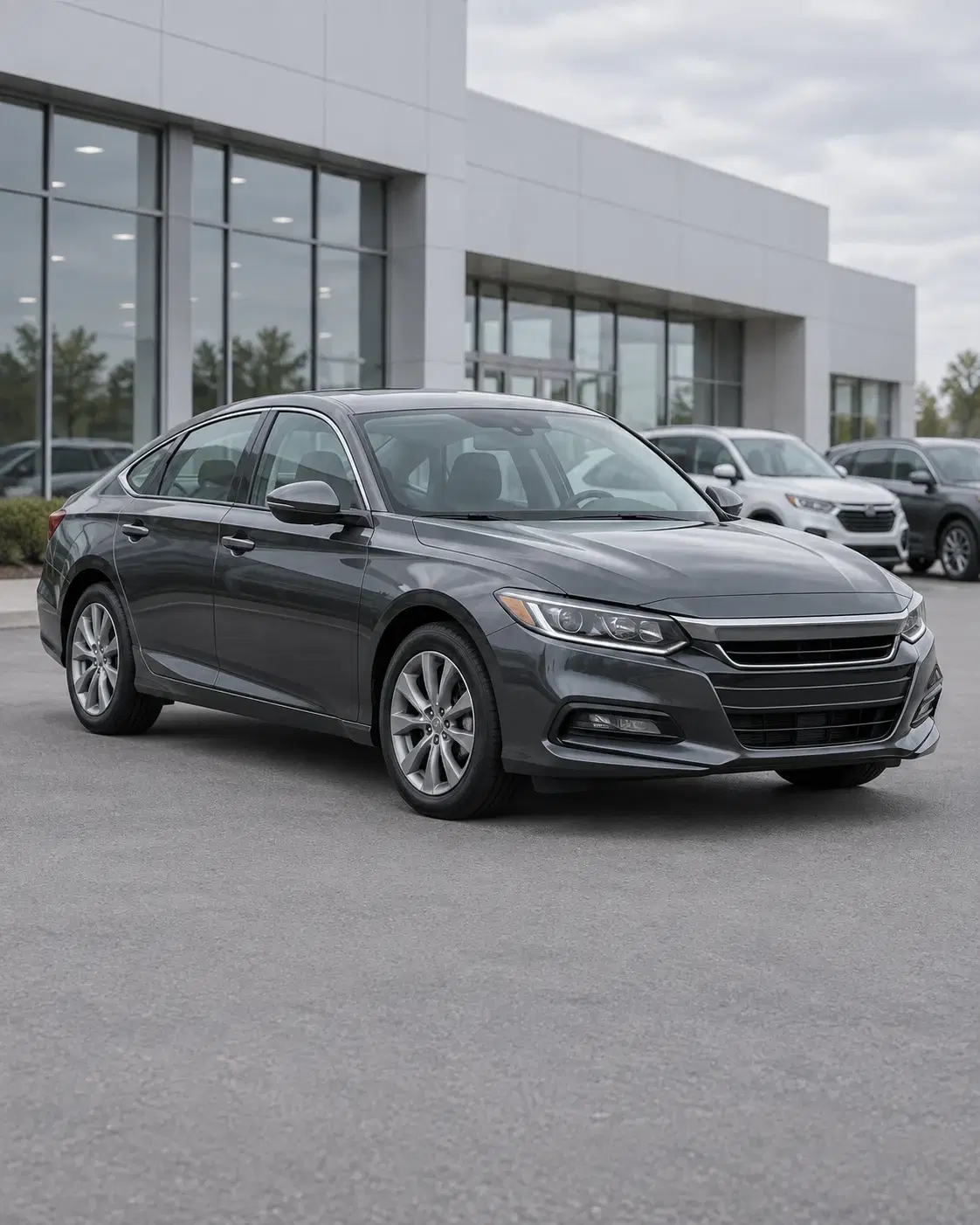
Dealership inventory changes quickly. A delayed or inconsistent photo set can leave an otherwise strong listing looking unfinished beside competing vehicles online.
CarShot gives the person already near the vehicle a visible process to follow—from the first exterior angle to the final enhanced gallery.
Clean the vehicle, choose a repeatable area, and remove identifying or temporary items.
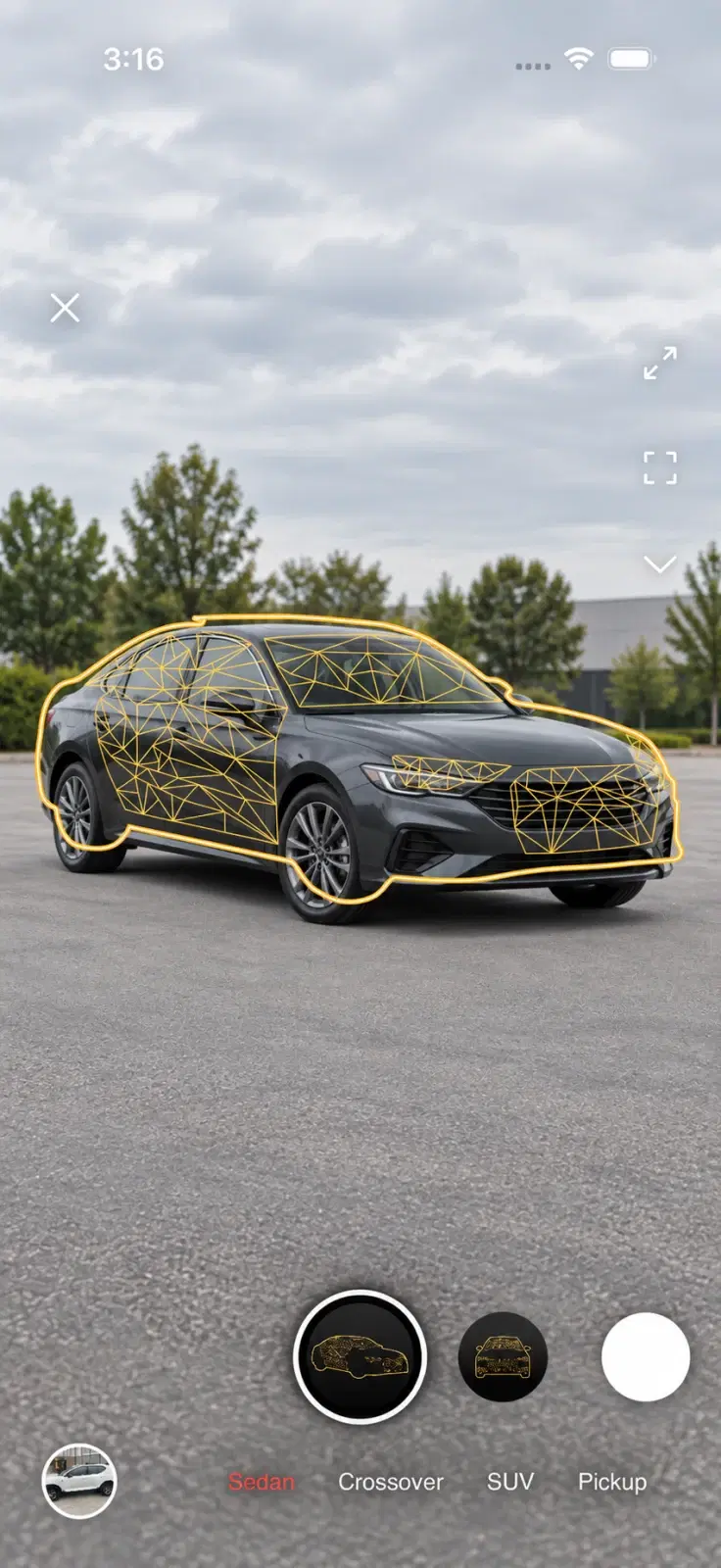
Select the body type and follow the same exterior, detail, and interior angle sequence.
Choose Dealer style to create a cleaner, more consistent presentation across the set.
Review accuracy, arrange the gallery, and add the approved photos to the vehicle listing.
A clear on-screen target helps a new team member understand what “the right angle” means. The same masks and sequence can be reused across sedans, SUVs, pickups, crossovers, and interiors.
Review the full sequence together, confirm that it represents the vehicle accurately, and keep a consistent lead image across your inventory.
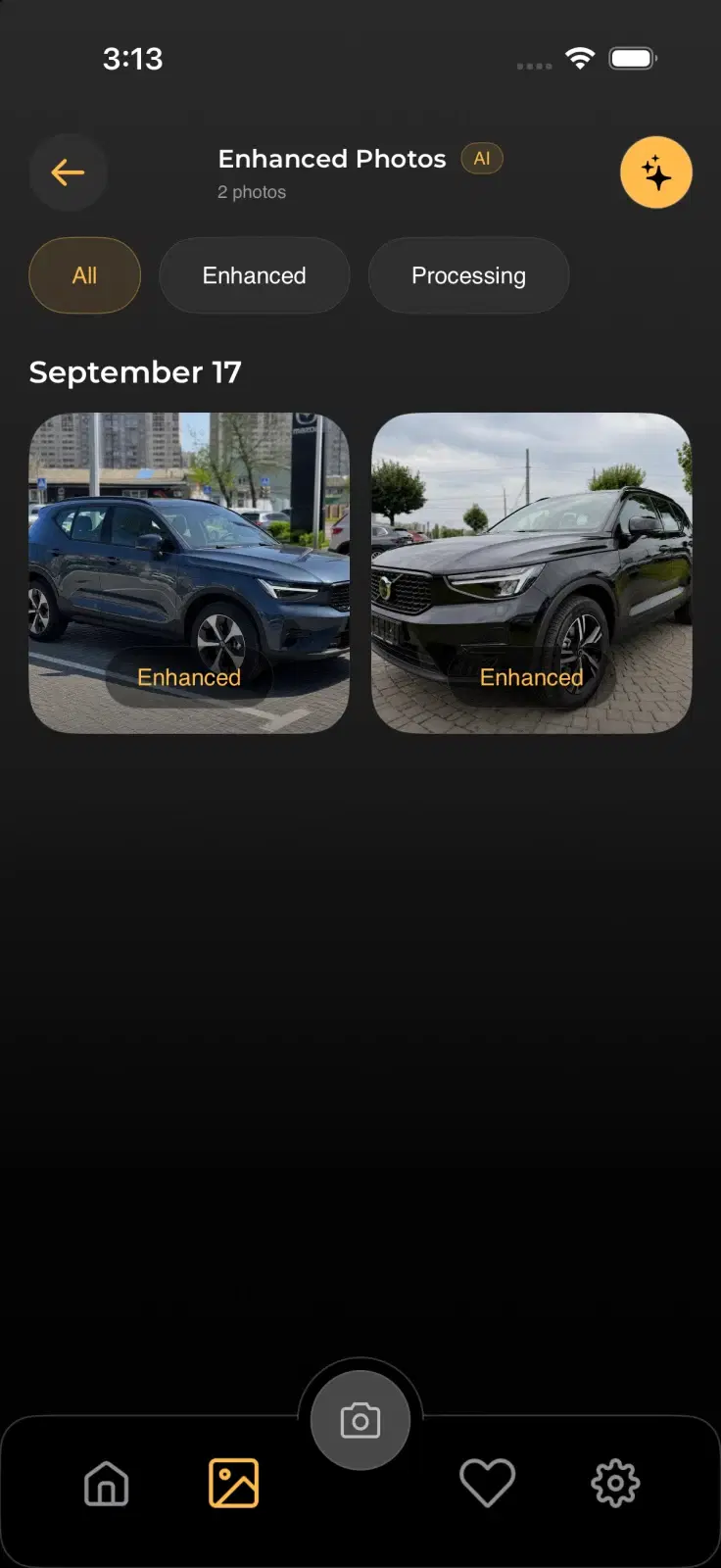
The team can start a guided photo sequence without coordinating an external photographer for every vehicle.
Visible angle guides make the expected framing easier to repeat across people, body types, and shooting days.
Keep professional shoots for campaigns and hero vehicles while CarShot supports the day-to-day listing workflow.
Use one guided workflow from the lot to the listing.