Photo enhancement

Make your car look its best—without making it look unreal.

Choose what the photo needs, select your shots, and let CarShot improve light, background, and detail while keeping the vehicle recognizable.
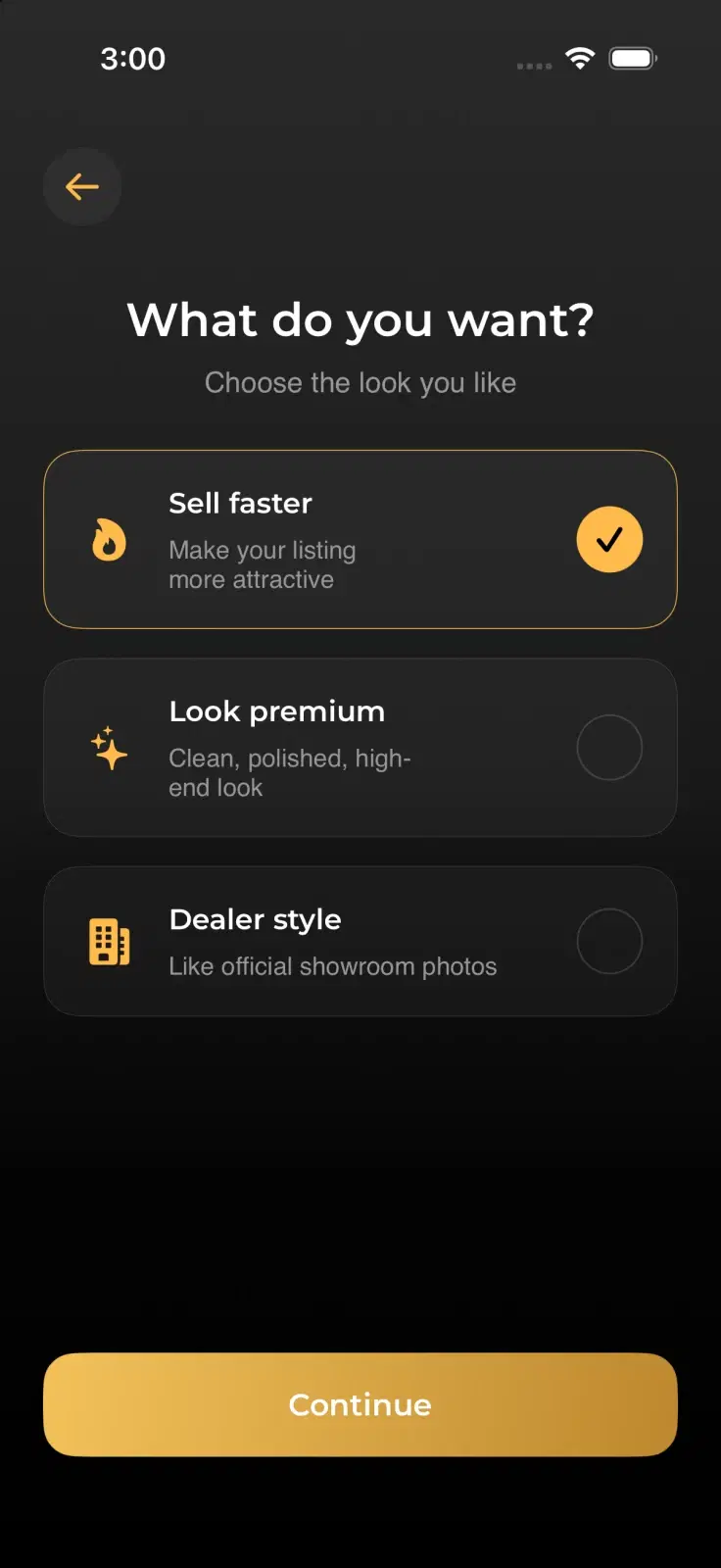
CarShot screen for choosing Sell Faster, Look Premium, or Dealer Style enhancement
Choose the outcome

One workflow, tuned to the job your photo needs to do.

01

Sell faster

Sharper, brighter listing photos designed to earn buyer attention quickly.

02

Look premium

Cleaner light and clearer detail for a polished, high-end presentation.

03

Dealer style

A more consistent showroom-ready finish across an entire vehicle gallery.

How it works

A focused path from camera roll to final gallery.

1

Choose a goal

Tell CarShot whether the images are for a sale, a premium look, or a dealer gallery.

2

Select photos

Pick the strongest exterior or interior shots from your CarShot albums.

3

Let it process

The app prepares the upload and creates an enhancement job in the background.

4

Review results

Compare before and after, save the result, and continue building the gallery.

Select with confidence

Enhance the photos that matter most.

Selection order stays visible, the credit requirement is clear, and source photos remain organized in your gallery.
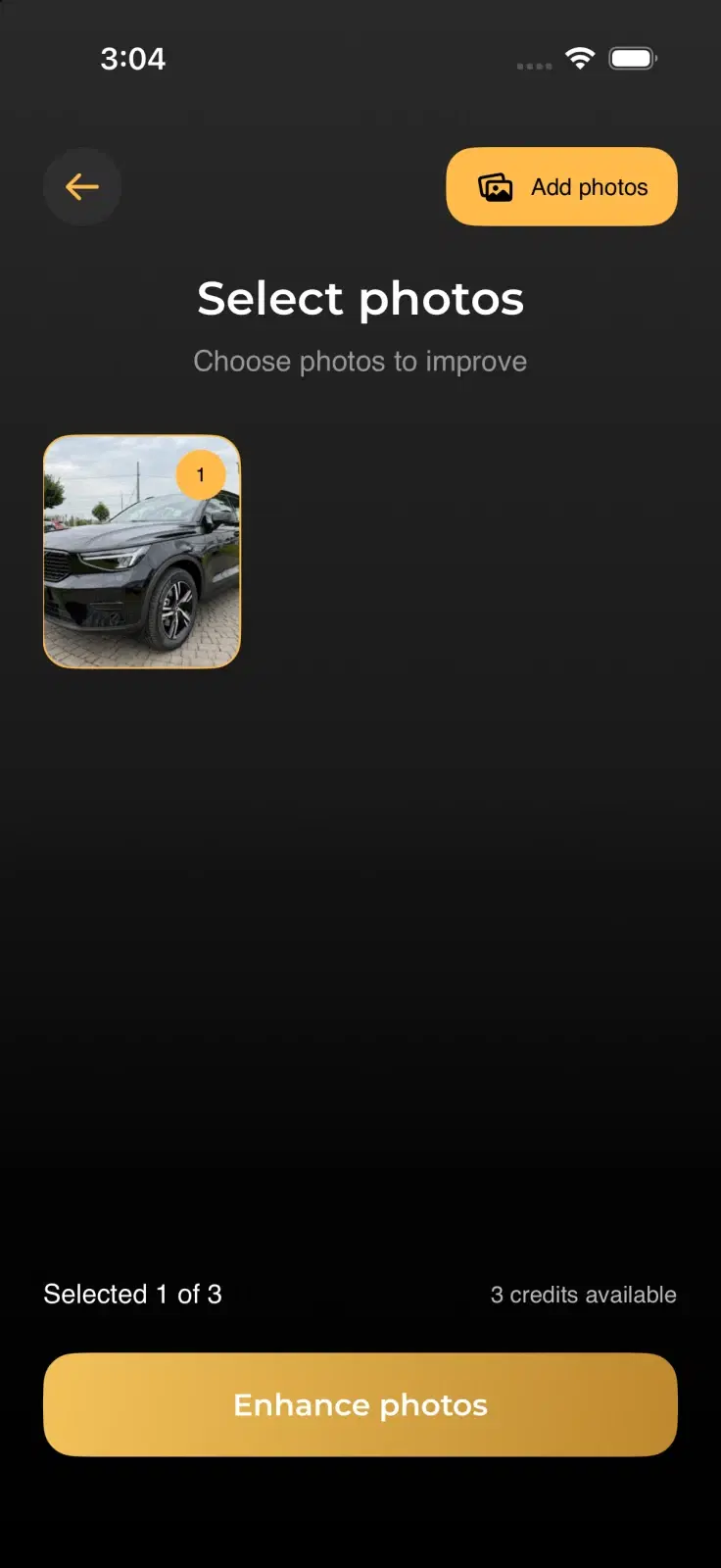
  • Work with several angles in one enhancement job
  • See the required credit balance before continuing
  • Keep the original files available for comparison
CarShot photo selection screen with one sample vehicle selected and credit balance visible
See the difference

Compare the result before you add it to the listing.

A direct before-and-after view makes it easier to confirm that the car still feels accurate while the presentation looks cleaner.
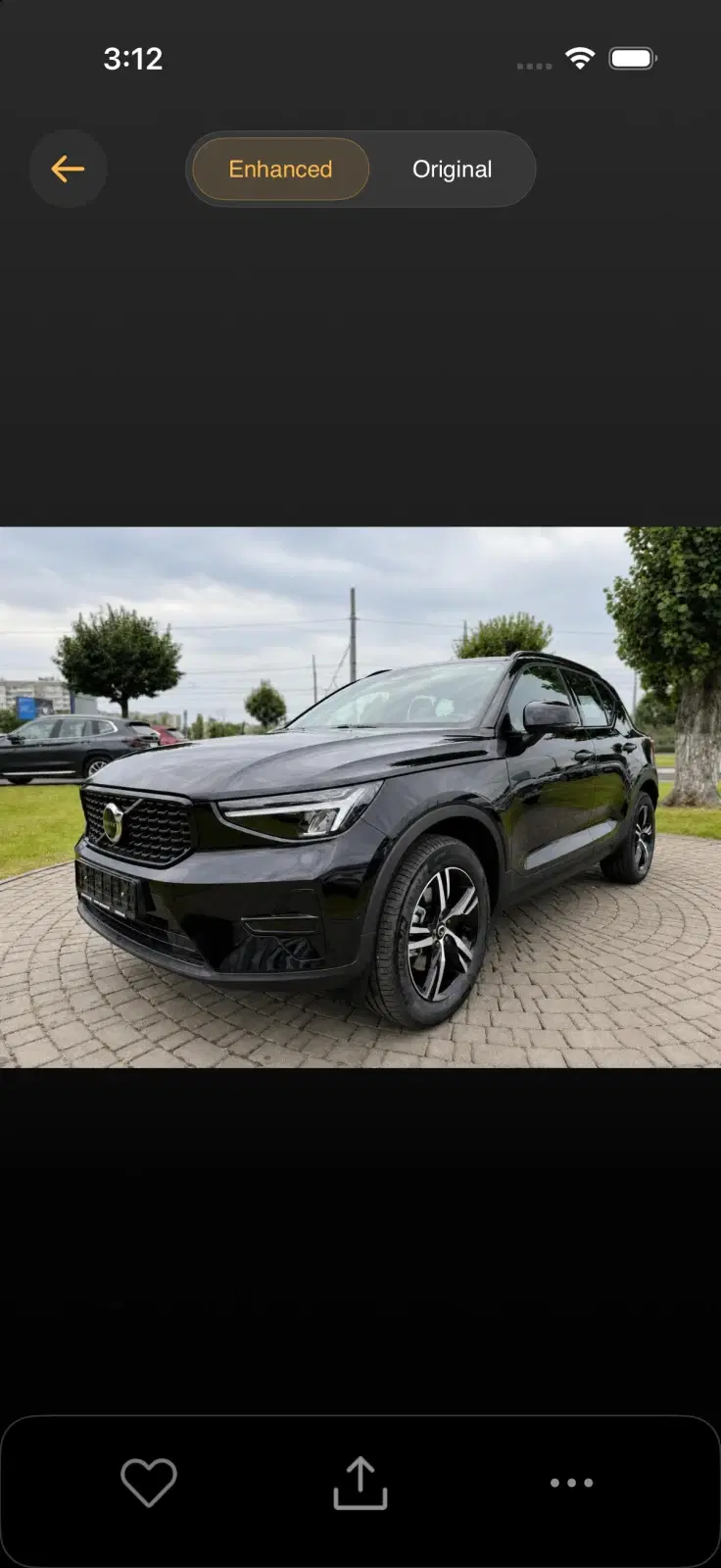
  • Inspect light and body detail side by side
  • Check that the finish and vehicle color remain believable
  • Save the approved result to the enhanced album
Completed CarShot enhancement result for a sample vehicle
Start with a better capture

Editing works better when the angle already works.

Explore camera guides
Ready to improve a photo?

Give every car a cleaner first impression.

Choose the result you need and let CarShot guide the rest.

Download CarShot