Choose the body type
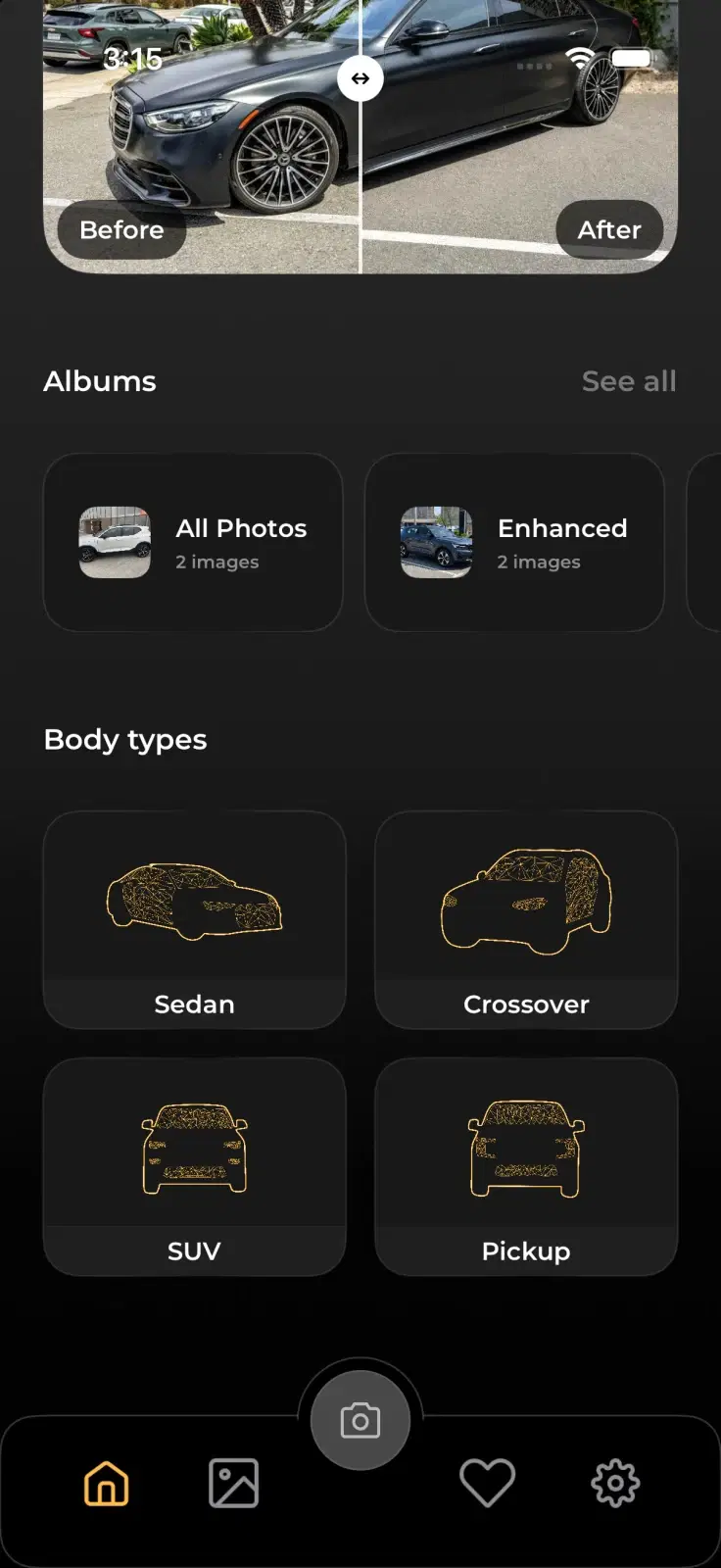
Select Sedan, Crossover, SUV, Pickup, or Interior so the suggested outlines fit the vehicle.
Pick the vehicle type and align it with an on-screen guide to create a balanced set of exterior and interior photos.
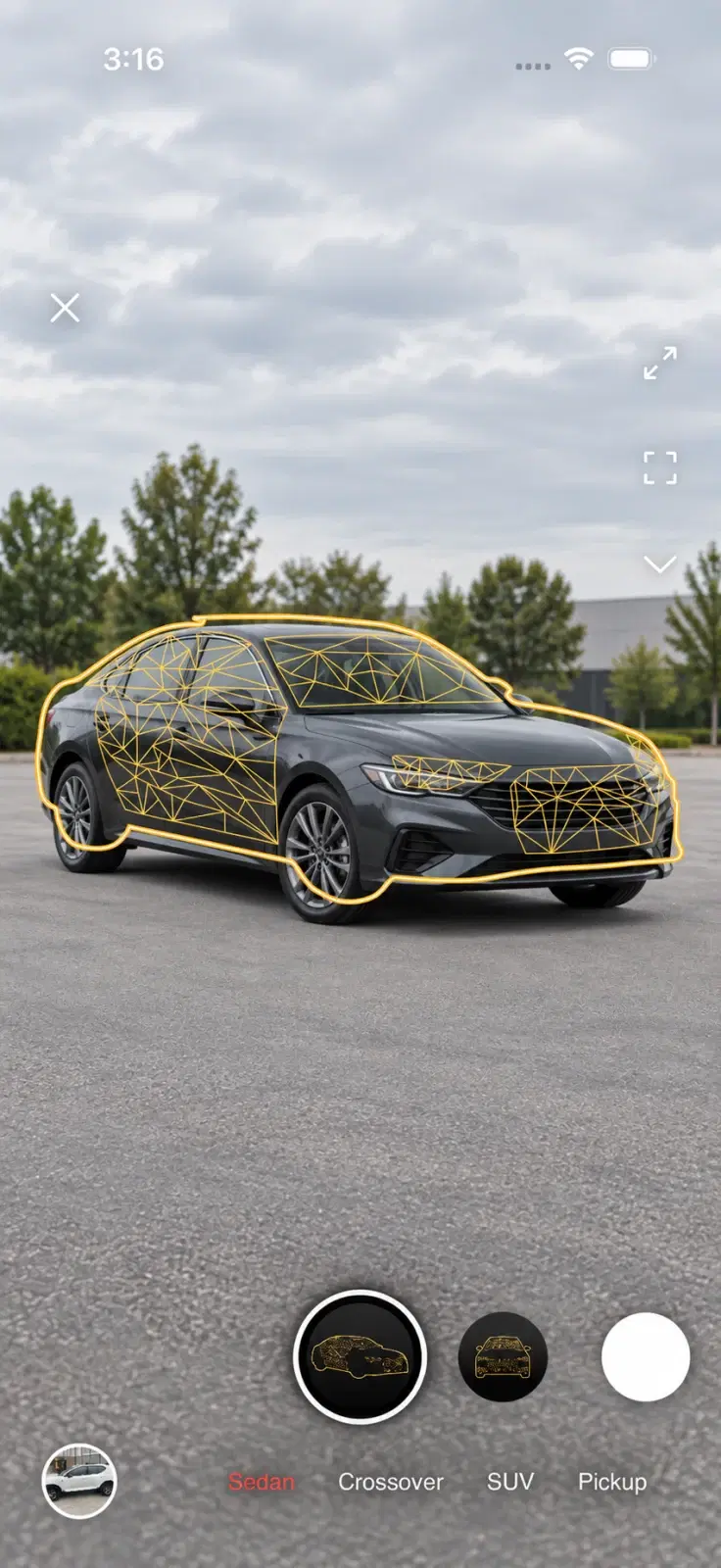
Select Sedan, Crossover, SUV, Pickup, or Interior so the suggested outlines fit the vehicle.
Move through a purposeful shot sequence instead of guessing which views a complete gallery needs.
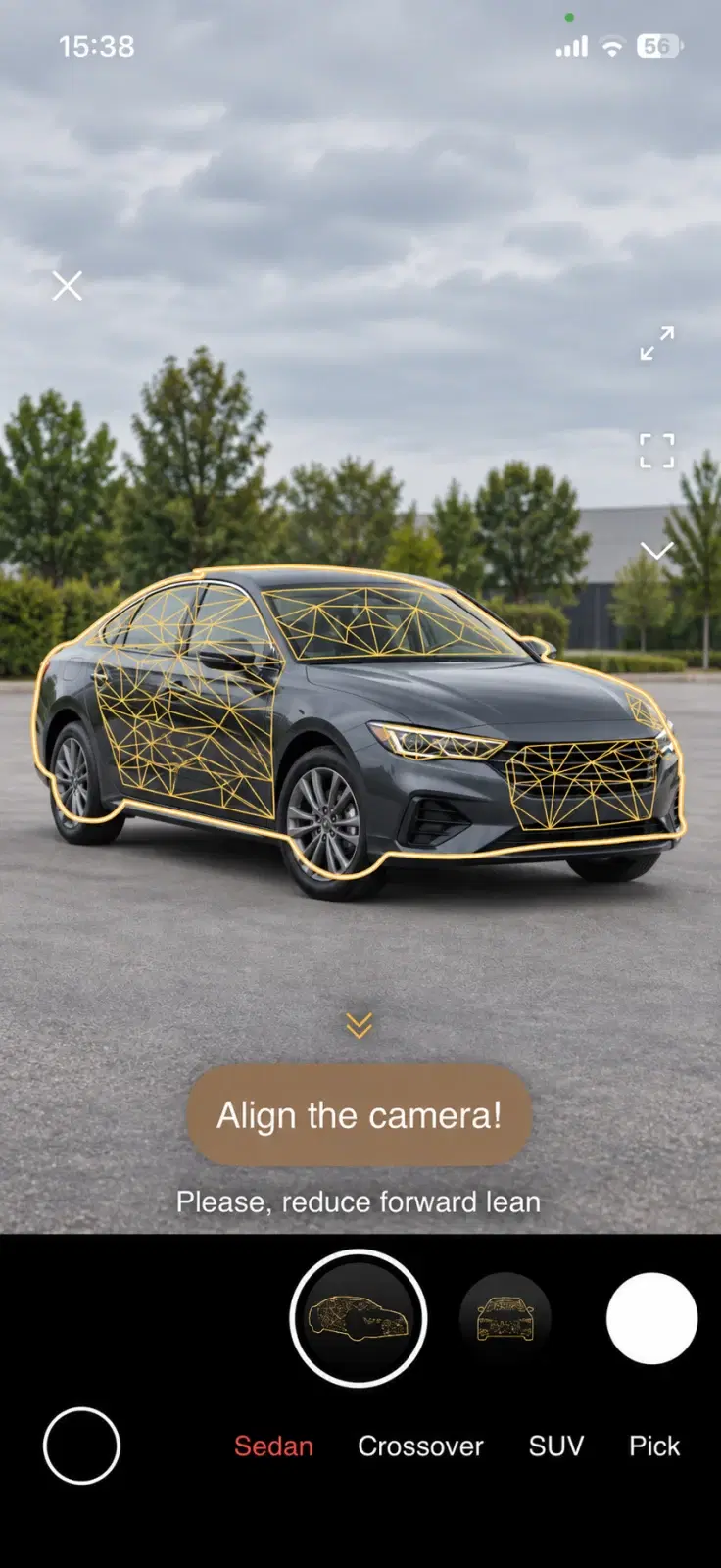
Position the vehicle inside the on-screen mask and keep the composition repeatable.
Adjust your position until the vehicle sits naturally within the selected outline.
A sedan and a pickup do not fill the frame the same way. Body-type presets make the starting point more relevant before you choose a specific angle.
The guide turns a professional-looking viewpoint into a clear visual target. Live feedback can ask you to reduce forward lean before you capture.
Follow a defined set so buyers see the exterior, details, and cabin they expect.
Keep vehicle scale and viewpoint closer from image to image and car to car.
Give every person a visible standard instead of relying on photography experience.
Choose a body type and follow a clearer route to consistent photos.